
Smart Homework Management Made Simple
Create, assign, and track homework digitally. Students submit online, teachers evaluate instantly, and parents stay informed - all from one powerful platform.
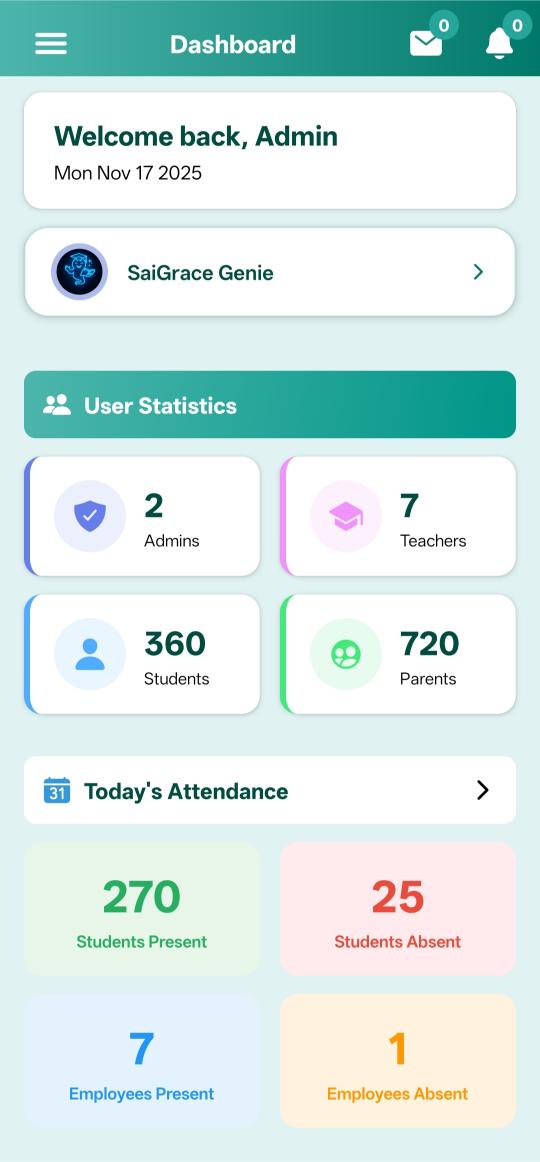
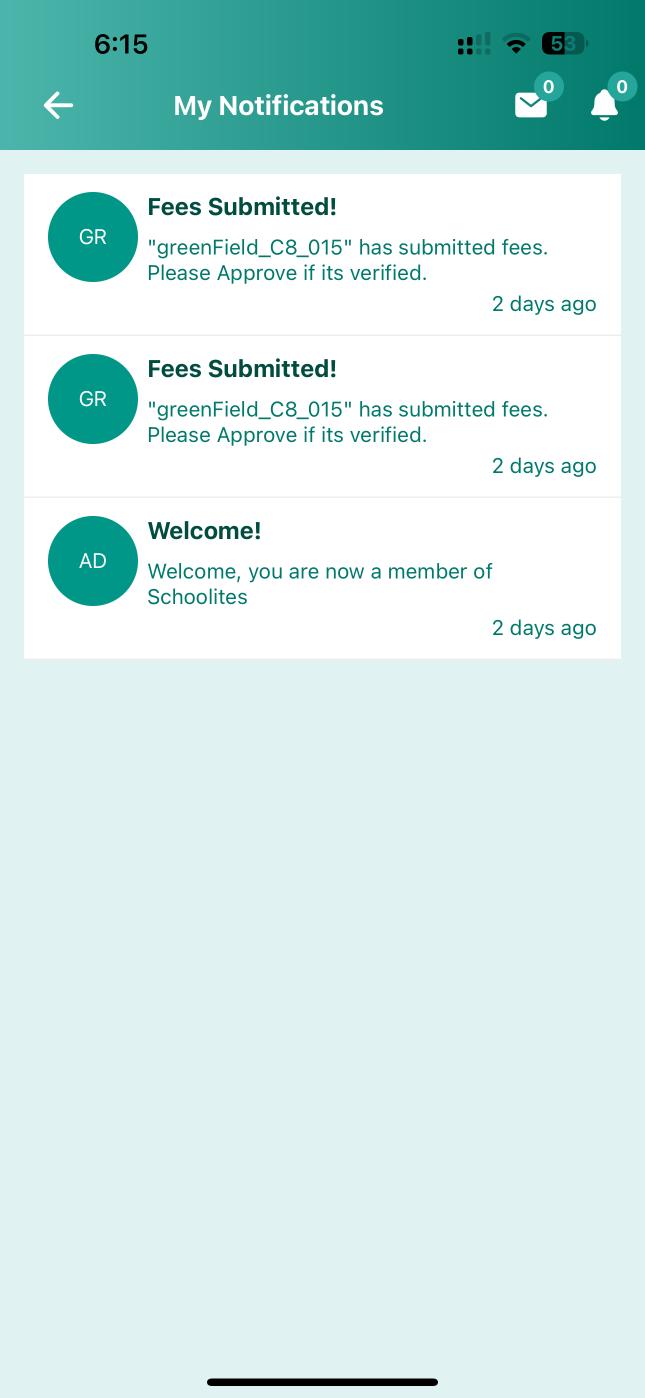
One Platform, Three Perspectives
Teachers, students, and parents - each gets exactly what they need
For Teachers
Create and manage assignments effortlessly
- Create homework with rich text & attachments
- Assign to classes, sections, or individuals
- Set due dates and reminders
- Review submissions & provide feedback
- Track completion rates in real-time
For Students
Never miss an assignment again
- View all pending homework at a glance
- Submit work online - text, photos, or files
- Get due date reminders
- View teacher feedback instantly
- Track submission history
For Parents
Stay informed about your child's homework
- Instant alerts for new homework
- View assignment details & due dates
- Track submission status
- Get overdue notifications
- See teacher remarks & grades
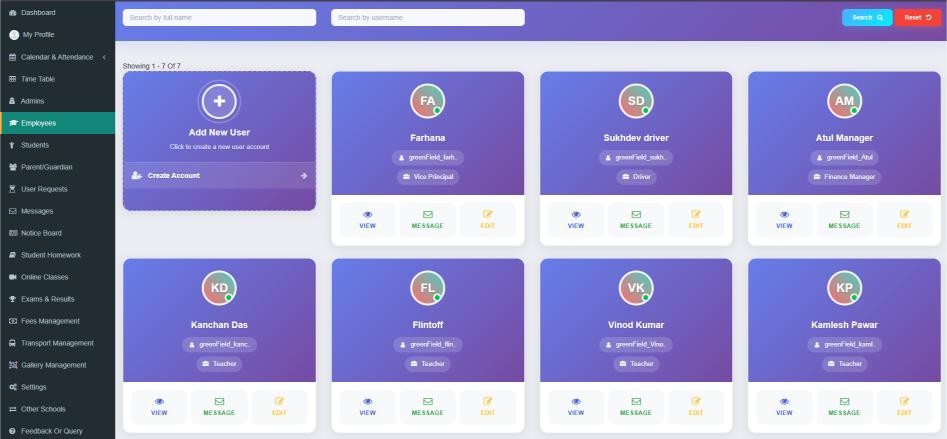
Powerful Homework Management Interface
Manage all assignments from a beautiful, intuitive web dashboard
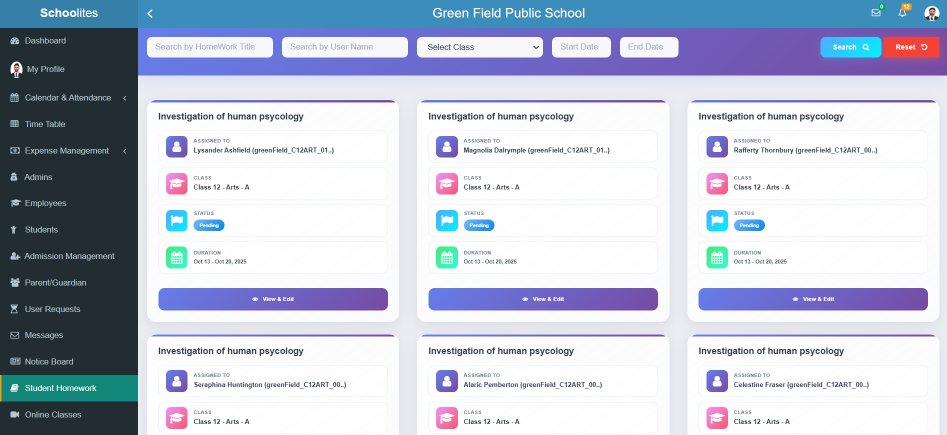
Quick Create
Create homework in under 2 minutes
Submission List
View all submissions at a glance
Smart Filters
Filter by class, subject, or status
Export Reports
Download submission reports
Everything You Need for Digital Homework
Comprehensive tools to take homework management into the modern era
Create & Assign Homework
Teachers can easily create homework with text, images, and file attachments, and assign it to entire classes or specific students.
- Rich Text Editor with Formatting
- Attach PDF, DOC, Images, Videos
- Set Due Dates & Reminders
- Assign to Class/Section/Student
Online Submission Portal
Students can view assigned homework and submit their work by typing responses or uploading files directly from the app or web.
- Upload Photos of Notebook
- Submit Documents & PDFs
- Type Text Answers
- Late Submission Flagging
Automatic Notifications
Parents and students receive instant notifications via app, SMS, or WhatsApp whenever homework is assigned or due.
- New Homework Alerts
- Due Date Reminders
- Overdue Notifications
- WhatsApp & SMS Support
Digital Evaluation
Teachers can review submissions, mark them complete/incomplete, grade assignments, and provide detailed feedback.
- View Submissions Inline
- Add Grades & Remarks
- Request Resubmission
- Feedback Notifications
Submission Tracking
Real-time dashboard showing submission status - who has submitted, who is pending, and who is overdue.
- Class-wise Status Overview
- Individual Student Tracking
- Submission Rate Analytics
- Export to Excel
Homework Calendar
Visual calendar showing all assignments with due dates. Students and parents can plan their week at a glance.
- Monthly & Weekly Views
- Color-coded by Subject
- Click for Assignment Details
- Sync with Phone Calendar
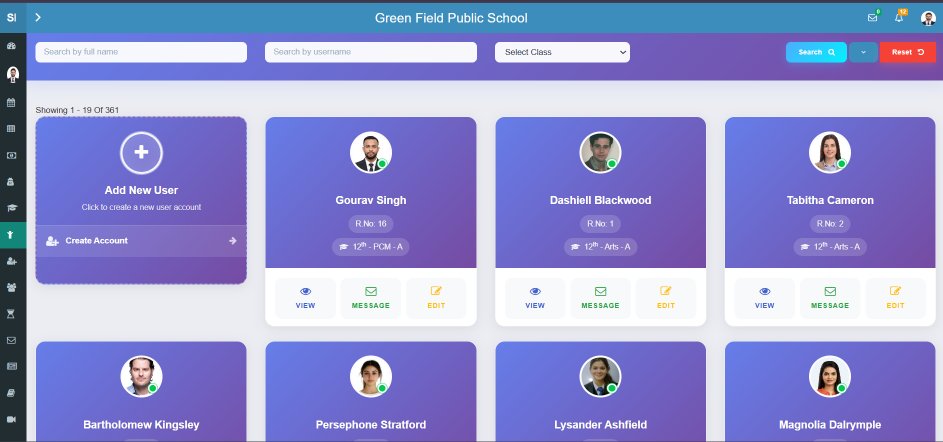
Experience the Complete System
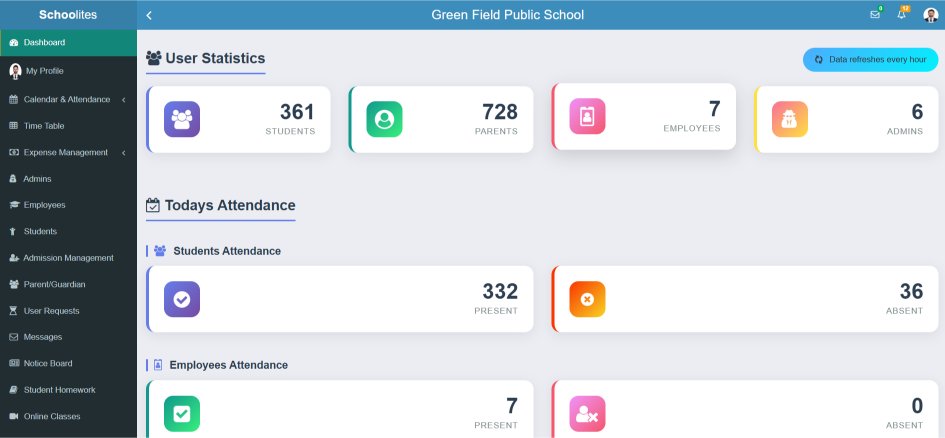
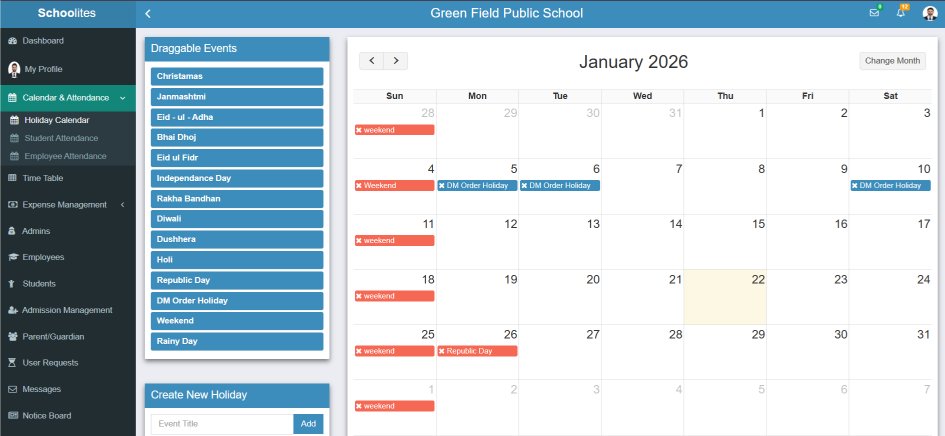
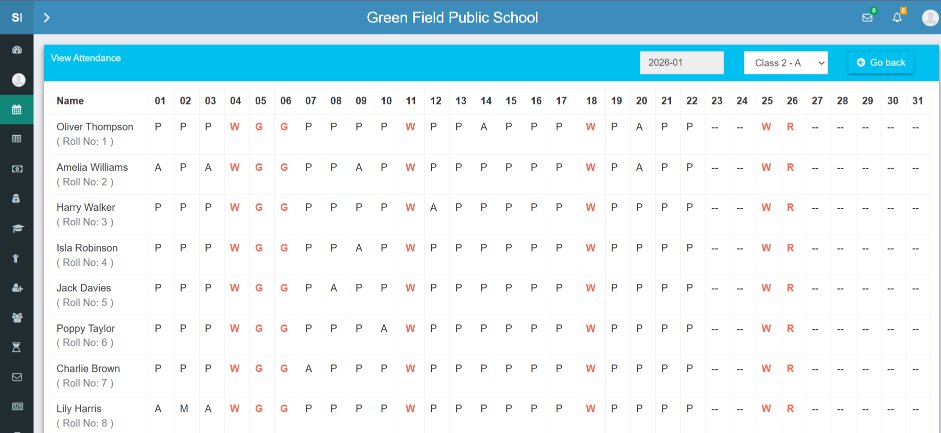
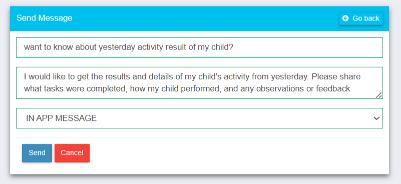
A glimpse of various screens in the homework management module
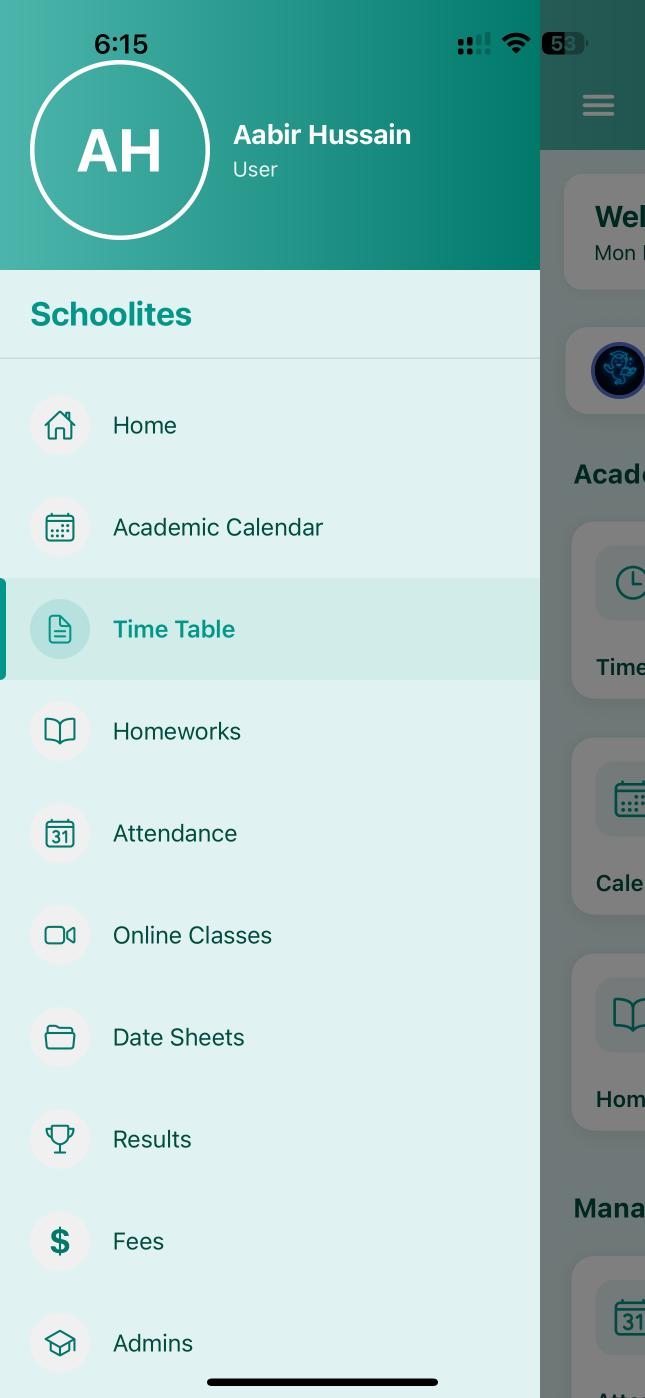
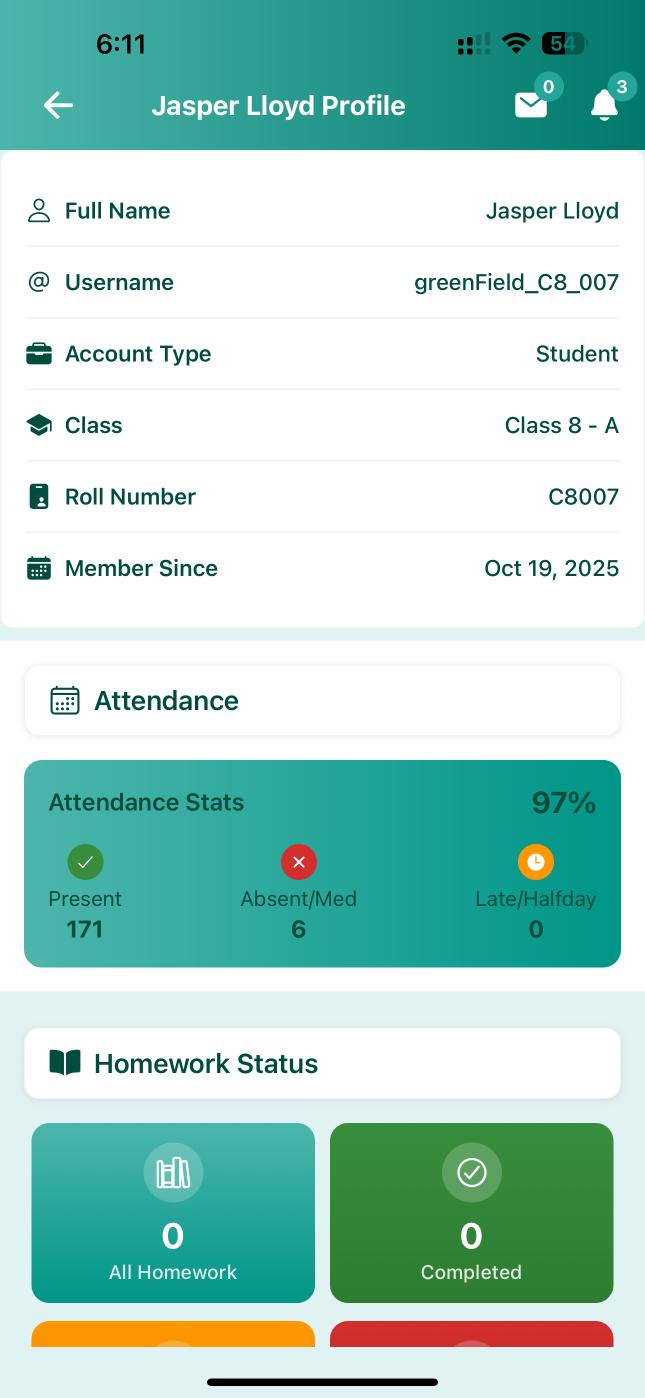
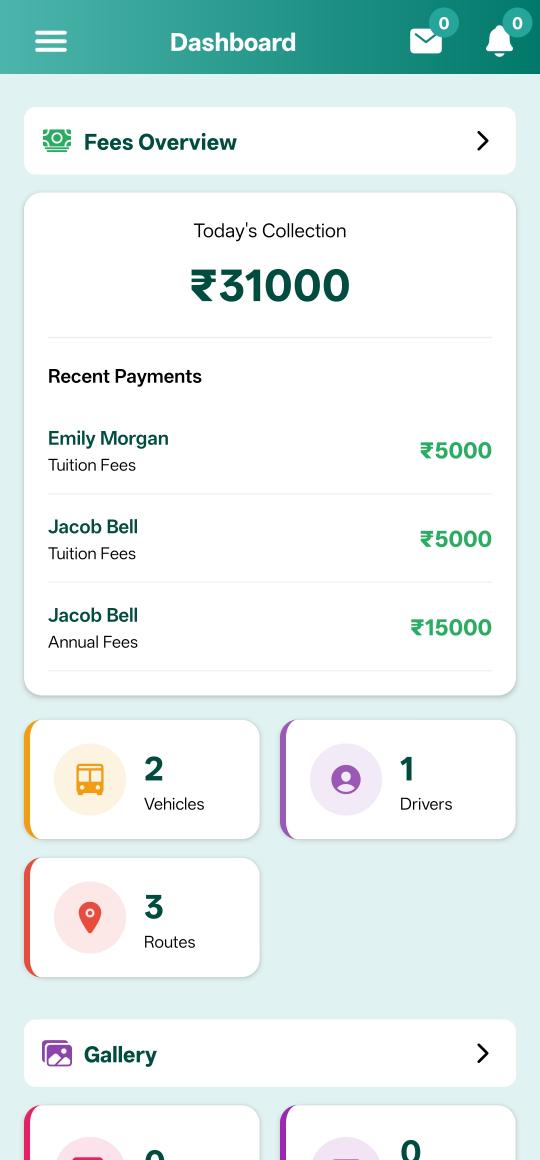
Homework On The Go
Students can view homework and submit assignments directly from their smartphones. Parents receive instant notifications and can track their child's homework completion - all from our mobile app.
Photo Submissions
Snap a photo of completed homework and submit instantly
Push Notifications
Never miss a homework assignment or deadline
Due Date Reminders
Automatic reminders before homework is due


Keep Everyone In The Loop
8 different notification types to ensure no homework is ever missed
New Homework
Instant alert when teacher assigns new homework
Due Soon
Reminder 24 hours before deadline
Overdue Alert
Alert when homework is past due date
Submitted
Confirmation when work is submitted
Reviewed
Alert when teacher reviews submission
Feedback Added
Notification when teacher adds remarks
Resubmit Request
When teacher asks for resubmission
Weekly Summary
Weekly digest of all homework
Homework in 4 Easy Steps
From assignment to feedback - a seamless digital journey
Teacher Creates
Teacher creates homework with description, attachments, and due date
Everyone Notified
Students & parents receive instant notification with homework details
Student Submits
Student completes work and uploads via app or web portal
Teacher Evaluates
Teacher reviews, grades, and provides feedback digitally
Why Schools Love Our Homework System
Go Paperless
Reduce paper waste and embrace digital homework. Good for the environment and easier to manage.
Save Time
Teachers save hours on distribution and collection. Students spend less time on logistics, more on learning.
Full Transparency
Parents can see exactly what homework is assigned and whether their child has completed it.
Never Lose Homework
No more "I forgot it at home" or lost notebooks. Everything is safely stored in the cloud.
Track Performance
Analytics show homework completion trends, helping identify students who need extra support.
Absent Students
Students who miss class can still access homework and stay up-to-date from home.
What Users Say About Our Homework System
"Before Schoolites, I spent so much time distributing worksheets and collecting notebooks. Now I create homework in minutes and can see who has submitted instantly. It's a game changer!"
"Finally, I know what homework my son has! I get notifications on my phone and can see if he has submitted or not. The reminders before due dates are super helpful."
"I love that I can just take a photo of my homework and submit it from my phone. I never forget to submit anymore because the app reminds me. My grades have improved!"
Ready to Digitize Your Homework Process?
Join 1000+ schools using Schoolites for paperless homework management. Get a free demo and see the difference.
Frequently Asked Questions
Everything you need to know about our homework management system
Can students upload pictures of their notebook?
Yes! Students can easily snap a photo of their handwritten work using the mobile app and upload it as their submission. Multiple photos can be uploaded for one assignment.
Can teachers attach files like worksheets?
Absolutely. Teachers can attach PDF worksheets, Word documents, images, audio files, and even YouTube video links to their homework assignments.
How do parents get notified about homework?
Parents receive push notifications on the mobile app, SMS, and WhatsApp messages (based on school configuration) whenever new homework is assigned, due soon, or overdue.
How do teachers track who has submitted?
Teachers have a dedicated dashboard showing real-time submission status - Submitted, Pending, and Overdue - for every student. They can filter by class, section, or date.
Can homework be assigned to specific students?
Yes, teachers can assign homework to entire classes, specific sections, or even individual students. This is useful for remedial work or advanced assignments.
Is there a way to handle late submissions?
Yes, late submissions are automatically flagged with the time of submission. Teachers can choose to accept or reject late submissions based on their policy.