
Digital Notice Board For Schools
Replace paper notices with instant digital announcements. Publish circulars, homework, events, and updates directly to parents' and students' phones with confirmation receipts.
Better Communication for Everyone
Teachers, students, and parents - all stay informed instantly
For Teachers & Admin
Publish notices with ease
- Create & publish notices instantly
- Target specific classes or all
- Attach files, images, PDFs
- Schedule notices for later
- Track who viewed the notice
For Students
Never miss an important update
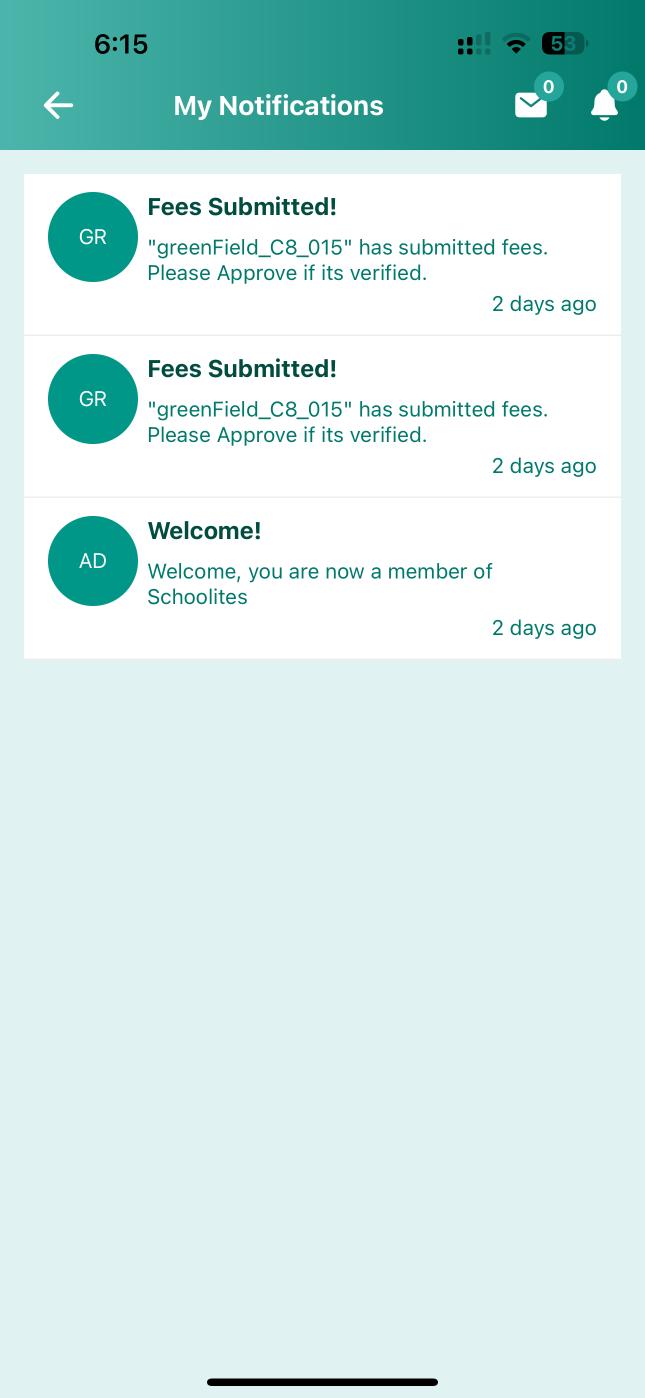
- Get instant push notifications
- View homework assignments
- See upcoming events
- Download attachments
- Search past notices easily
For Parents
Stay connected with school
- Receive all school updates
- Notices in preferred language
- PTM & event reminders
- Fee payment reminders
- Direct reply to teachers
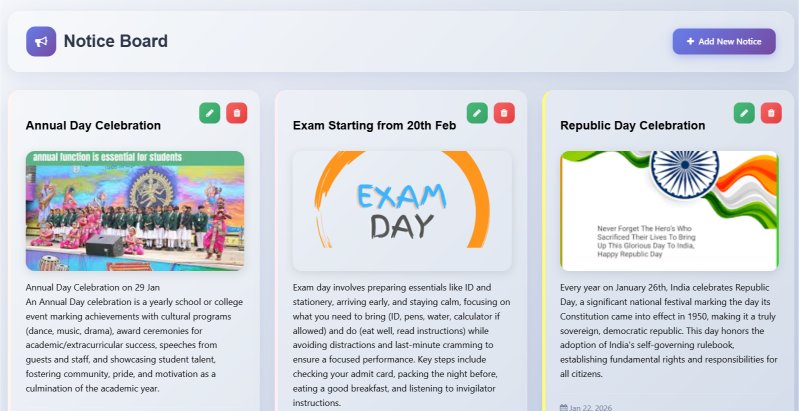
Powerful Notice Management Dashboard
Create, schedule, and track all your school communications from one place
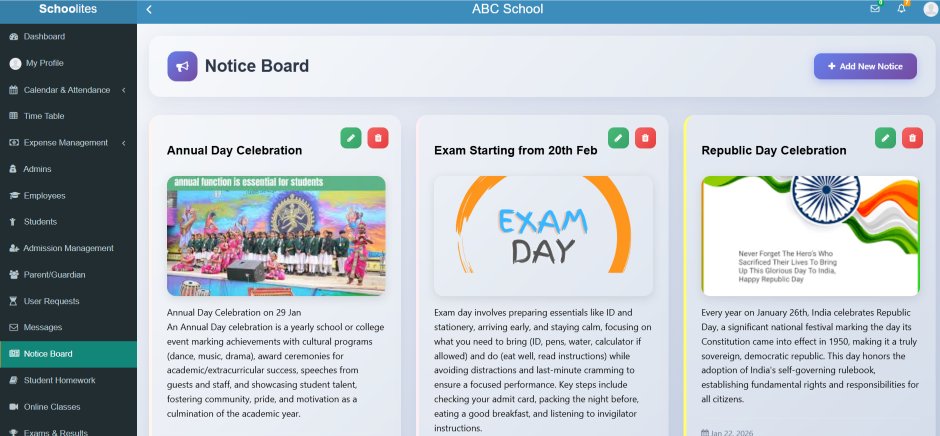
Rich Editor
Format notices beautifully
Target Audience
Select specific recipients
Schedule
Post notices at set time
Analytics
Track delivery & views
Complete Communication Suite
Everything you need for effective school-parent communication
Instant Push Notifications
Notices reach parents instantly on their mobile phones. No delays, no lost circulars. 99% delivery guaranteed.
- Real-time push alerts
- SMS fallback option
- WhatsApp integration
- Email notifications
Read Receipts & Tracking
Know exactly who viewed your notice. Get detailed analytics on delivery rates and read times.
- See who read notices
- View time tracking
- Unread list export
- Re-send to unread
Multi-Language Support
Publish notices in multiple languages. Parents receive in their preferred language automatically.
- Auto-translation support
- Hindi, English, Regional
- Parent language preference
- Bilingual notices
Targeted Announcements
Send notices to specific classes, sections, or individual students. No more irrelevant notifications.
- Class-wise targeting
- Section filtering
- Individual student select
- Staff notices separate
Rich Attachments
Attach PDFs, images, documents to your notices. Parents can download and save for reference.
- PDF circulars support
- Image galleries
- Word/Excel files
- Video link embedding
Schedule & Categorize
Schedule notices for future dates. Organize by categories like homework, events, circular, urgent.
- Future date scheduling
- Category tags
- Priority levels
- Recurring notices
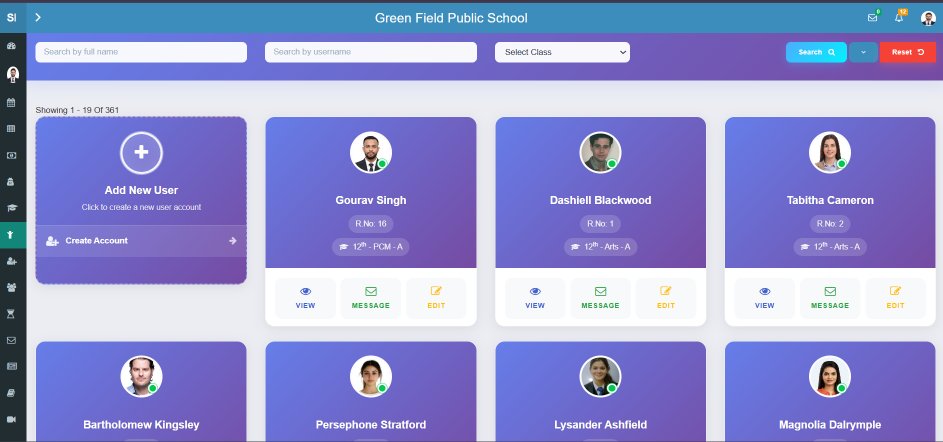
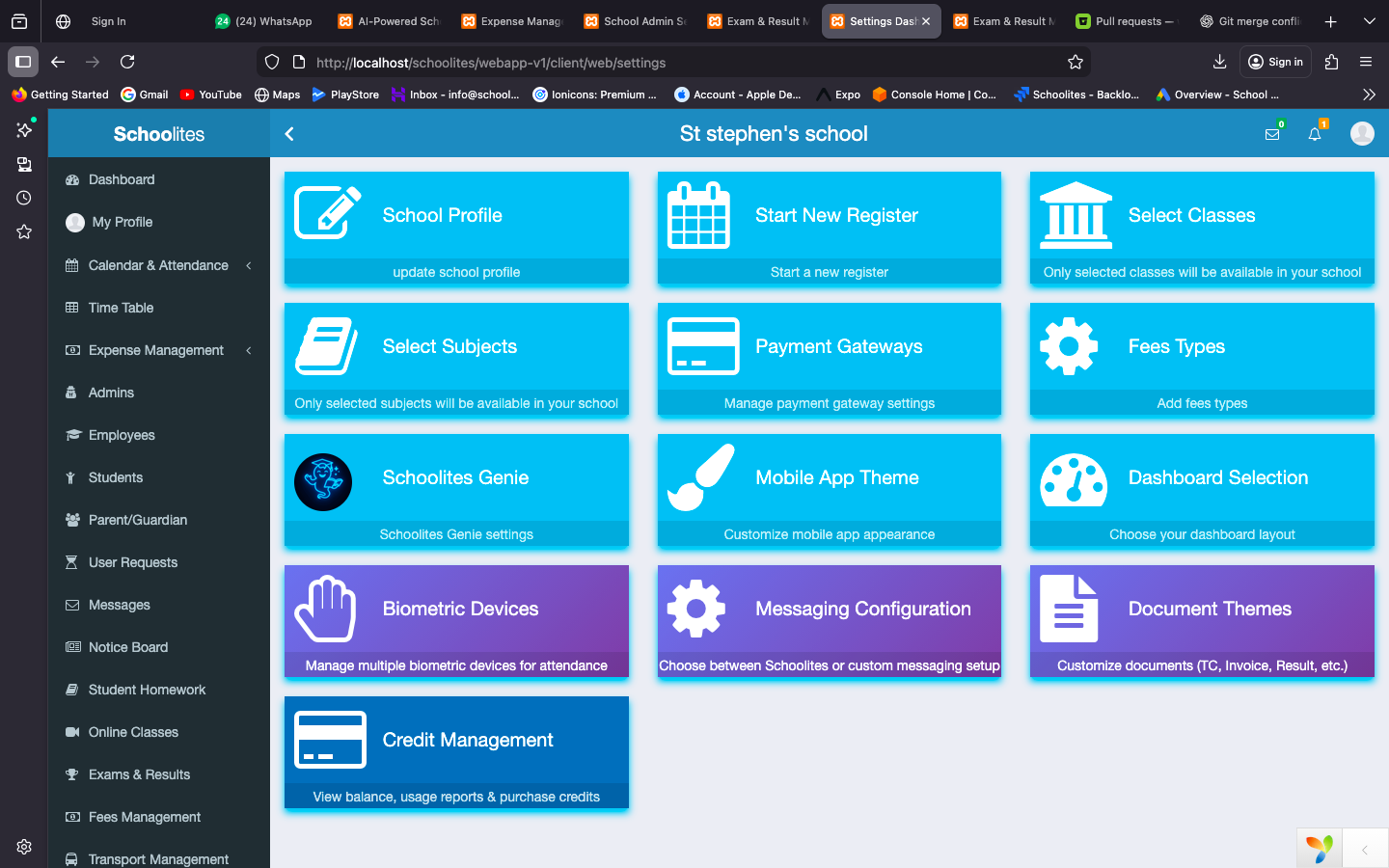
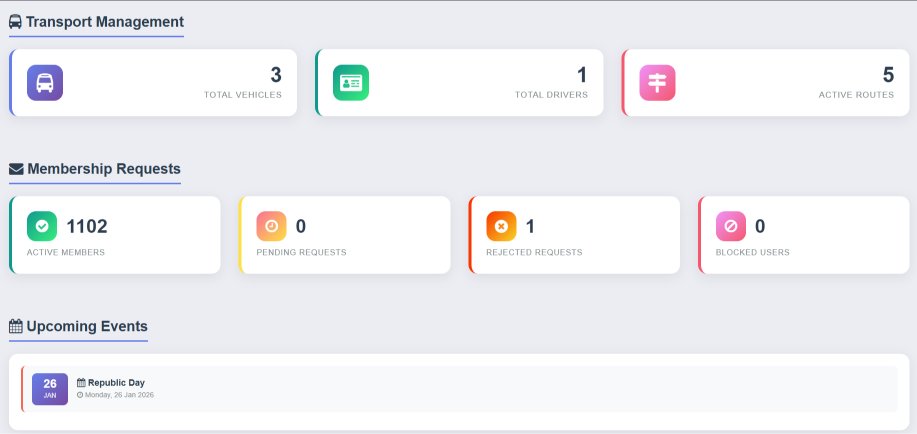
More Dashboard Views
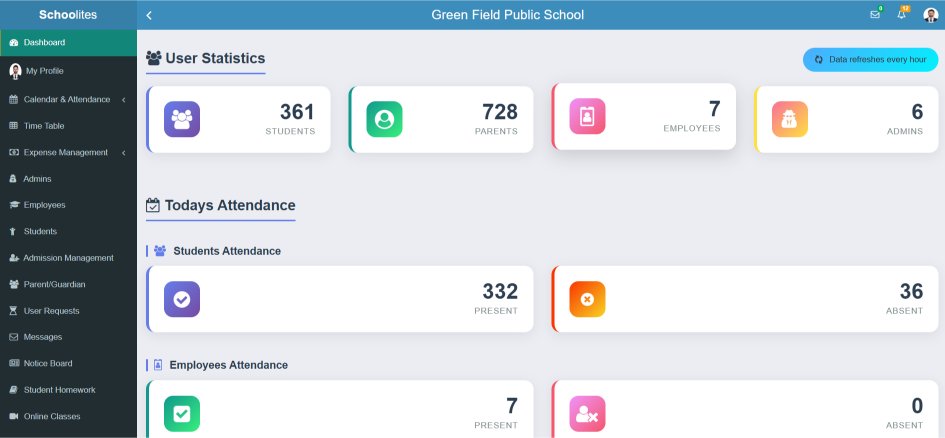
Explore different screens of our notice board system
All Notices in One App
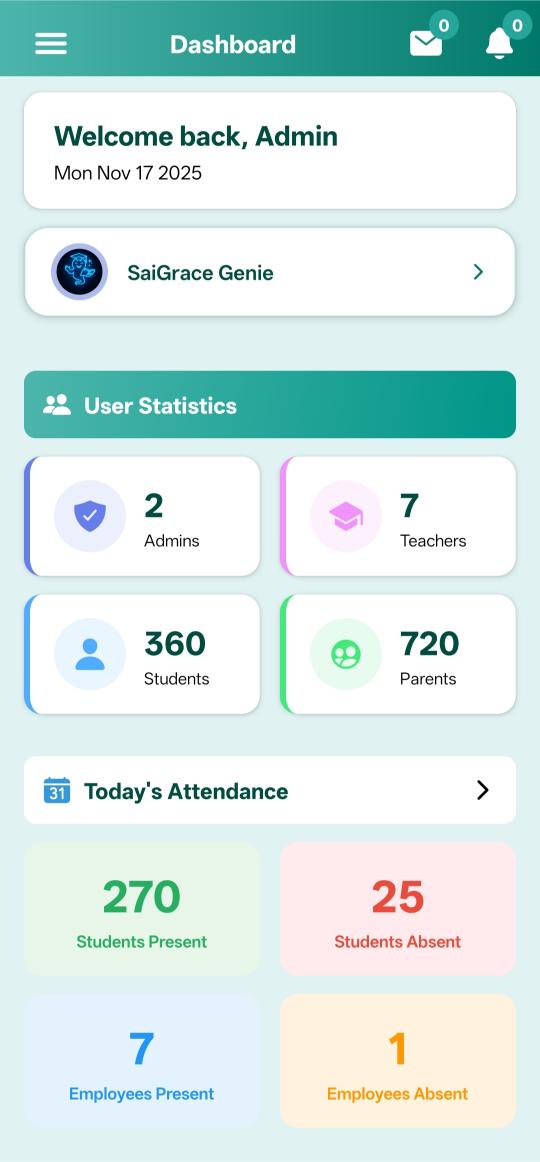
Parents and students receive all school announcements on the Schoolites app. Categorized, searchable, and always accessible.
Instant Push Alerts
Never miss an important announcement
Organized by Category
Homework, events, circulars - all sorted
Search & Filter
Find past notices easily anytime


All Types of School Communications
Send any kind of announcement with the right template
Circulars
Official school communications & policies
Homework
Daily assignments & class work
Events
School functions & celebrations
Urgent Alerts
Emergency & time-sensitive notices
PTM Notices
Parent-teacher meeting schedules
Exam Notices
Exam schedules & results announcements
Fee Reminders
Payment dues & fee structure
Holiday Notices
Holidays & vacation announcements
How Notice Board Works
From creating notice to parent viewing - in 4 easy steps
Create Notice
Write notice with rich text editor & attachments
Select Audience
Choose classes, sections, or all students
Publish
Send instantly or schedule for later
Track Views
Monitor who viewed & follow up
Why Schools Choose Our Notice Board
Transform your school communication with these powerful advantages
100% Delivery
Unlike paper circulars that get lost, digital notices reach every parent guaranteed.
Go Paperless
Save on printing costs and contribute to environmental sustainability.
Save Time
No more printing, distributing, collecting signatures. One click reaches everyone.
Full Visibility
Know exactly who read the notice. No more "I didn't receive it" excuses.
Two-way Communication
Parents can acknowledge, reply, or ask questions directly in the app.
Digital Archive
All notices are stored and searchable. Reference any past communication easily.
What Schools Say About Us
"We used to print 500 circulars every month. Now everything is digital. Parents love the instant notifications!"
"The read receipts feature is a game-changer. I can see exactly which parents haven't seen important notices and call them."
"As a parent, I love getting all school updates on my phone. The multi-language option helps my mother understand notices too."
Ready to Transform Your School Communication?
Join 1000+ schools using Schoolites. Start your 1 Months FREE trial with just ₹3,000 registration.
Frequently Asked Questions
How do parents receive notices?
Parents receive instant push notifications on the Schoolites mobile app. They can also get SMS or WhatsApp alerts if enabled.
Can we send notices in regional languages?
Yes! You can publish notices in multiple languages including Hindi and regional languages. Parents can set their preferred language.
What if parents don't have smartphones?
For parents without smartphones, notices can be sent via SMS. You can also generate print versions for distribution.
Can teachers send notices?
Yes, teachers can send class-specific notices with admin approval. Permissions are fully configurable by the school.
Are notices saved for future reference?
All notices are permanently stored in the system. Parents and admin can search and access any past notice anytime.
Can parents reply to notices?
Yes, if enabled, parents can acknowledge notices, ask questions, or send replies which teachers can view and respond to.