
Effortless Timetable Management
Create conflict-free class schedules in minutes. Manage teacher allocations, handle substitutions, and share timetables instantly with teachers, students & parents.
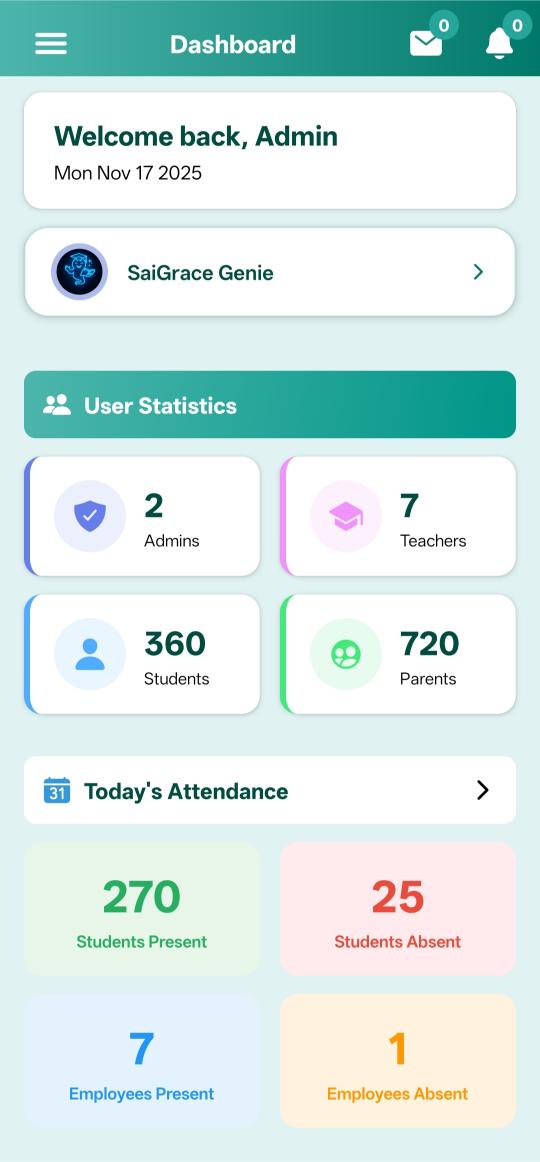
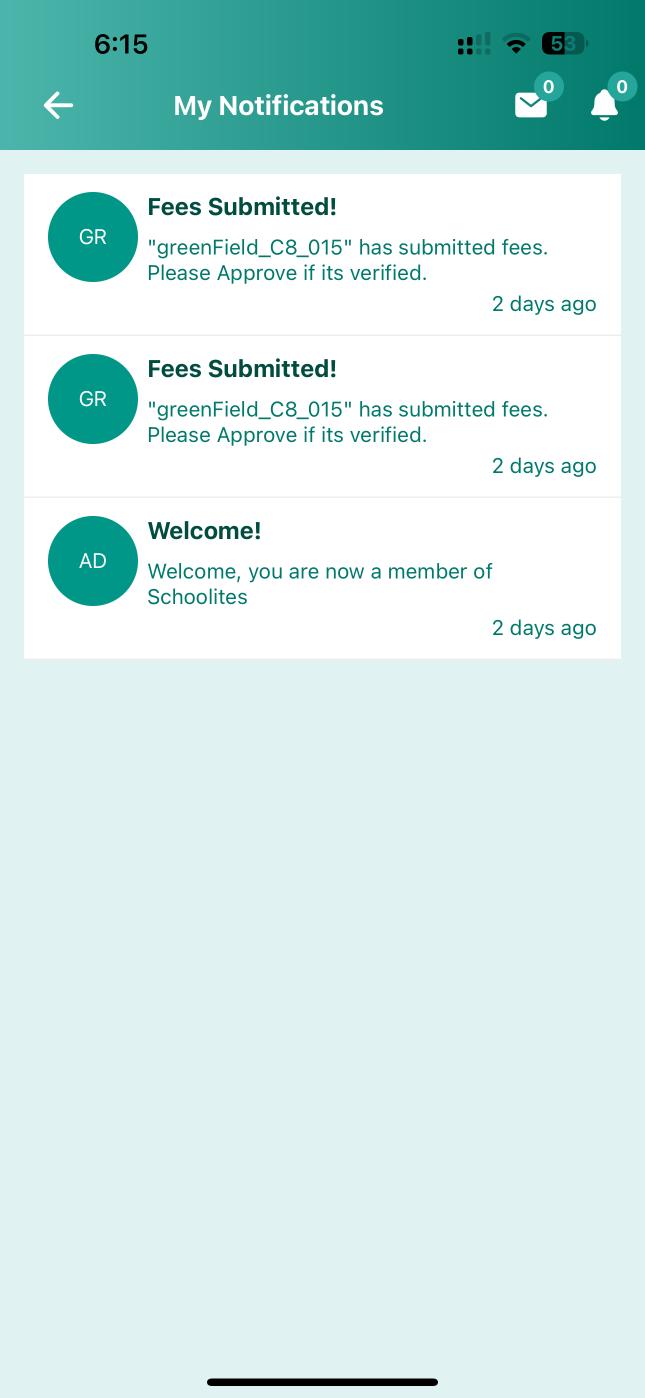
Schedules Accessible to Everyone
Teachers, students, and parents - all know the daily schedule
For Admin
Create & manage all timetables
- Create class-wise timetables
- Allocate teachers to periods
- Manage substitutions easily
- Conflict-free scheduling
- Generate print-ready PDFs
For Teachers
View personal schedule anytime
- View daily/weekly schedule
- Get substitution notifications
- See free periods clearly
- Mark attendance from schedule
- Request period swaps
For Students & Parents
Know what's happening each day
- View class schedule on app
- Get notified of changes
- See subject-wise periods
- Plan study time better
- Never miss a class
Intuitive Timetable Dashboard
Visual drag-and-drop interface for easy schedule management
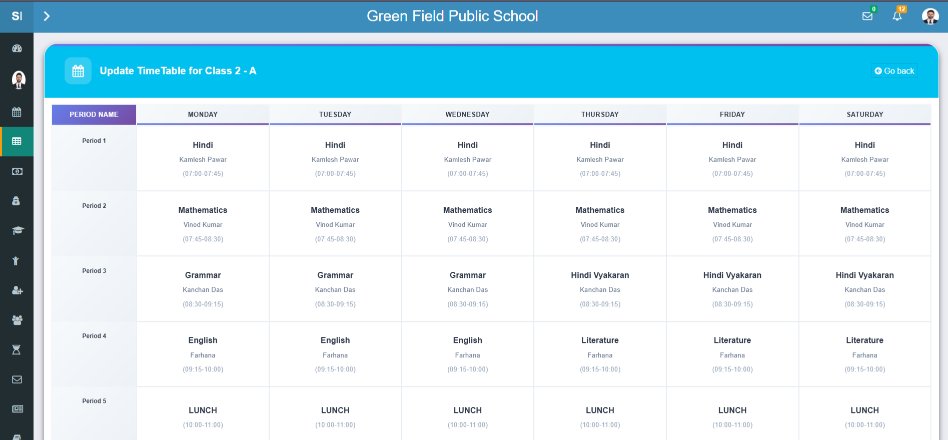
Drag & Drop
Visual schedule builder
Conflict Alert
Prevent double booking
Copy Schedule
Clone between classes
Version History
Track all changes
Complete Timetable Solution
Everything you need for perfect school scheduling
Visual Timetable Builder
Drag-and-drop interface to create schedules visually. No complex forms - just click and assign.
- Drag-drop period assignment
- Color coded subjects
- Weekly/daily views
- Quick period swap
Smart Conflict Detection
Automatically detects when a teacher is assigned to two classes at the same time. No more double bookings!
- Real-time conflict alerts
- Room availability check
- Teacher load balancing
- Lab/resource scheduling
Substitution Management
When a teacher is absent, quickly assign substitutes. System suggests available teachers automatically.
- Find available teachers
- Notify substitute teacher
- Inform students of change
- Track substitution history
Teacher Allocation
Assign subject teachers to classes. View teacher-wise schedules and ensure fair workload distribution.
- Subject-teacher mapping
- Workload visualization
- Free period management
- Max periods limit
Mobile App Access
Teachers, students & parents view schedules on mobile app. Get notified instantly when timetable changes.
- View on Android/iOS app
- Push change notifications
- Today's schedule widget
- Offline access
Reports & Print
Generate beautiful PDF timetables for print. Export class-wise, teacher-wise, or room-wise schedules.
- Print-ready PDF export
- Excel export option
- Multiple layout formats
- School branding
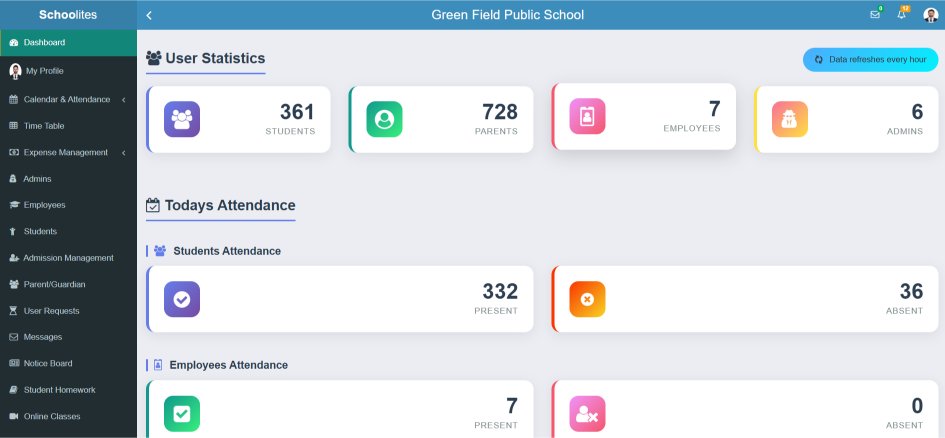
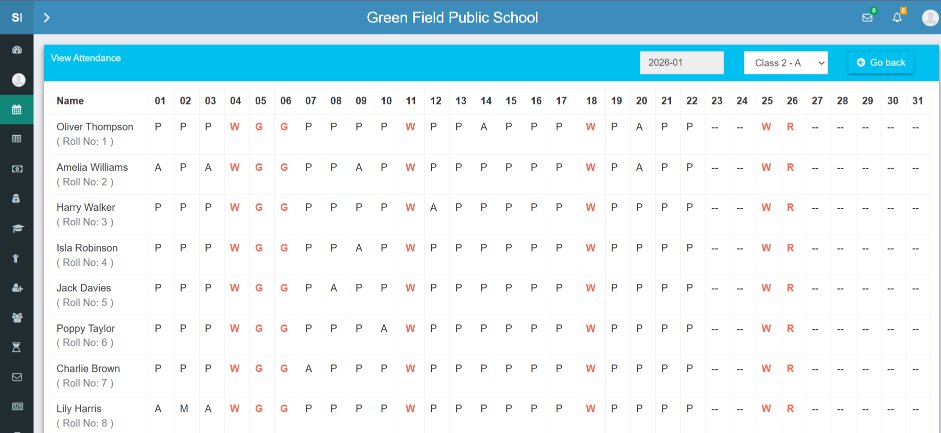
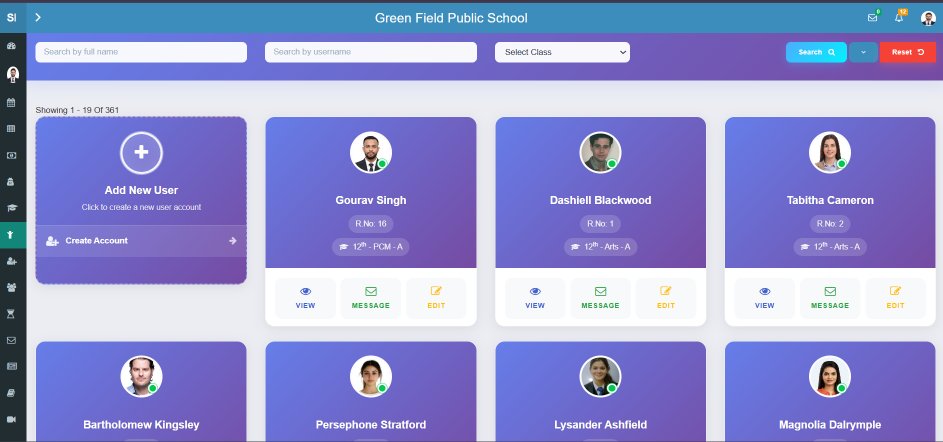
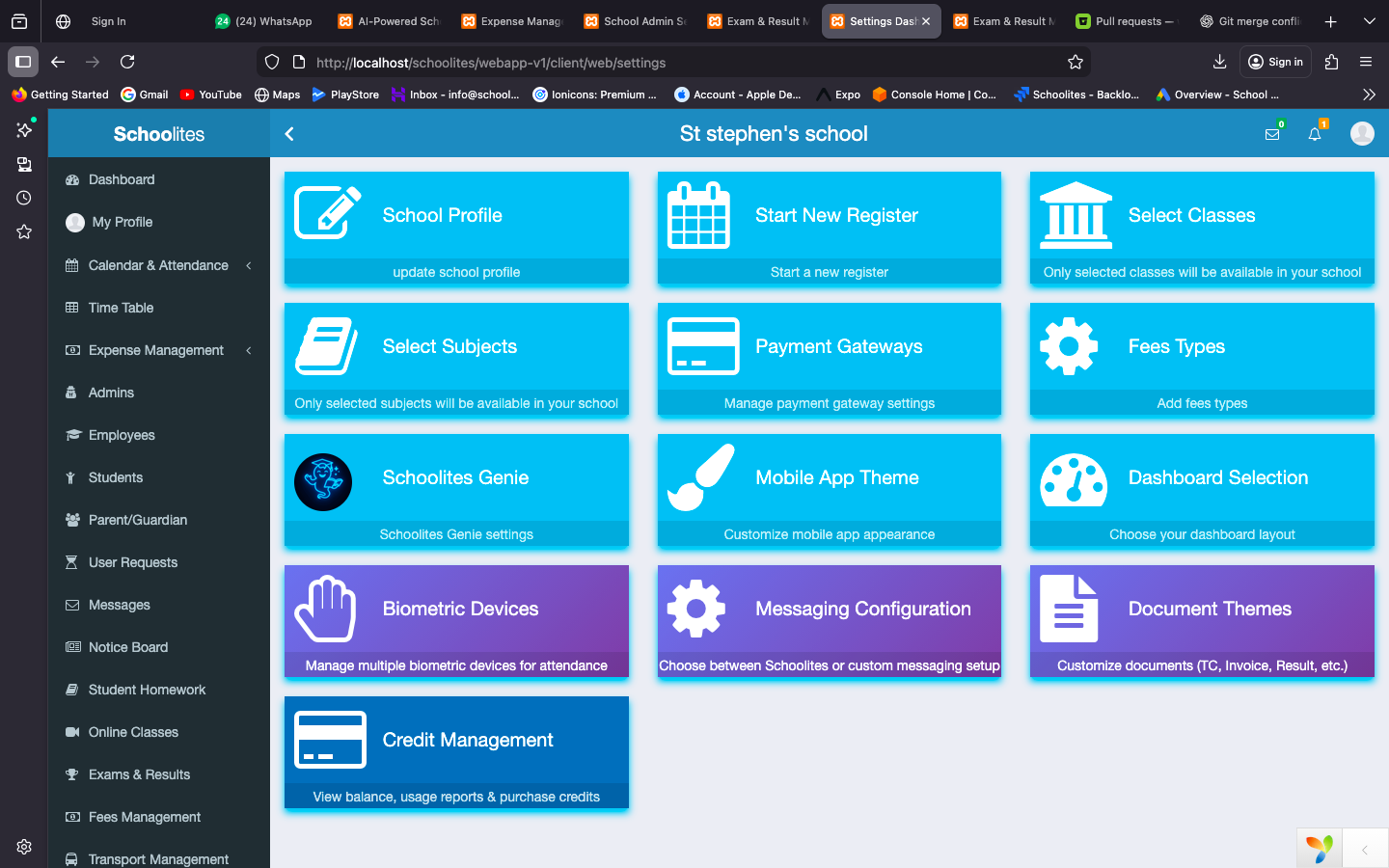
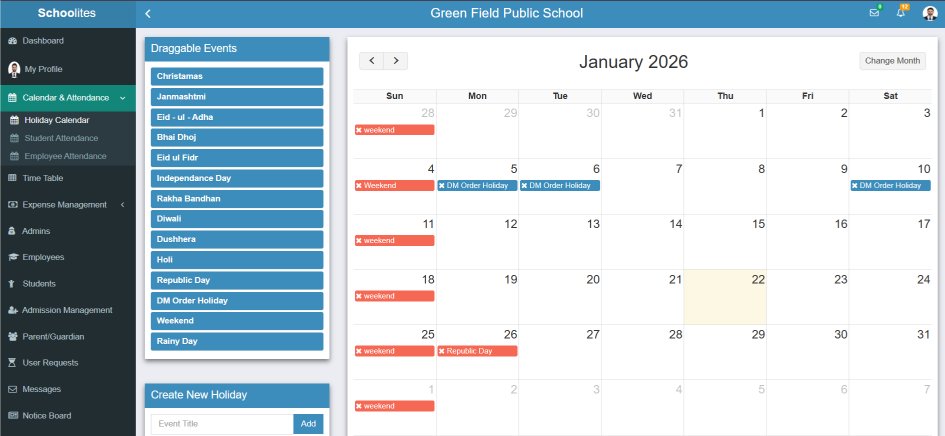
More Dashboard Views
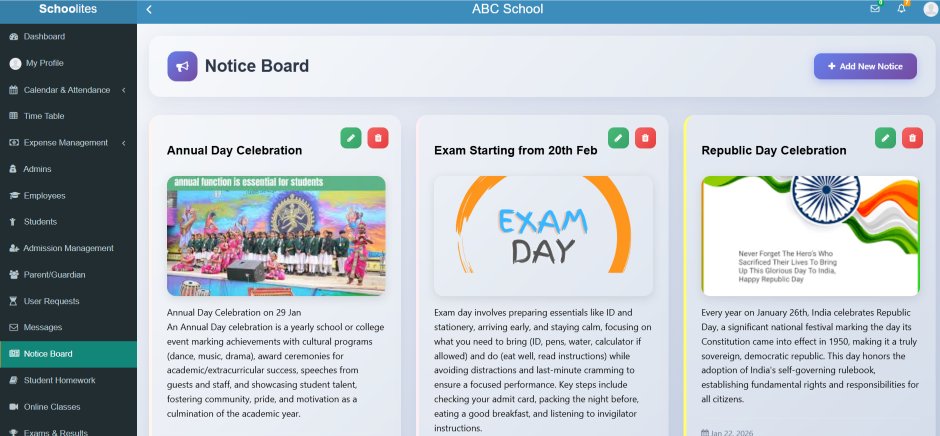
Explore different screens of our timetable system
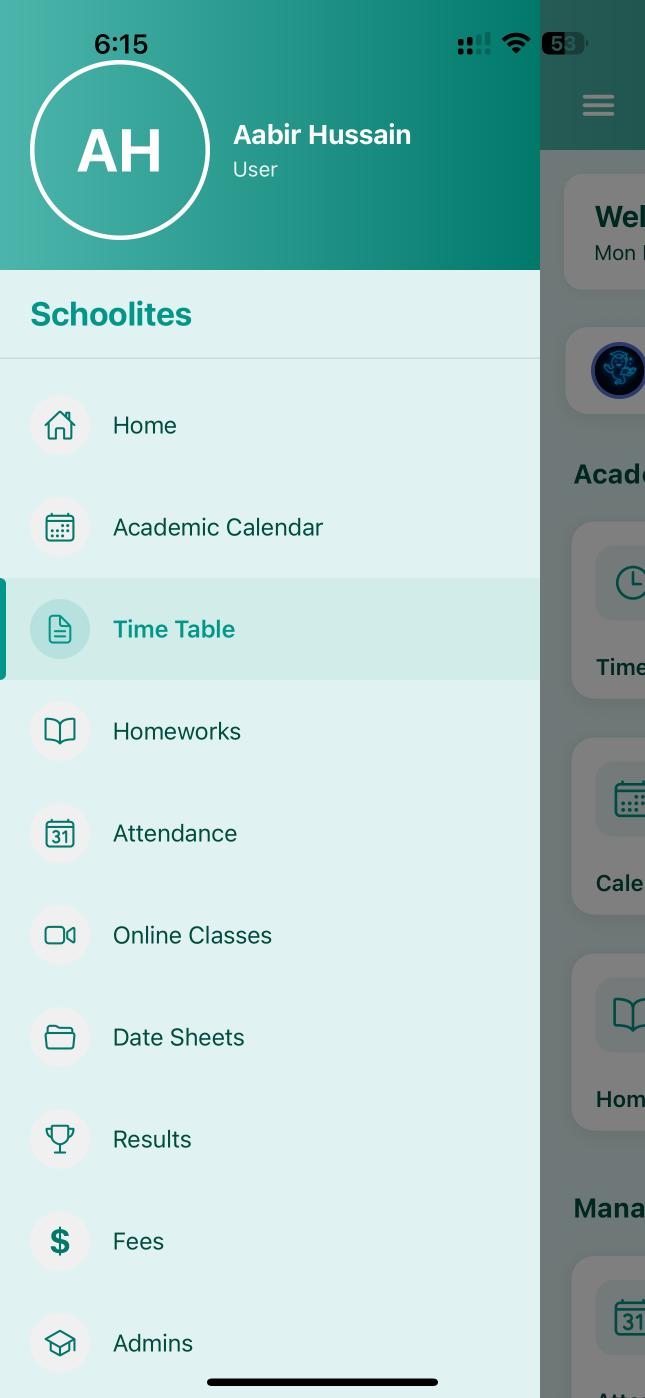
Schedule in Your Pocket
Teachers, students, and parents can view the daily schedule right from their mobile phones. Get notified whenever there's a change.
Today's Schedule
See what's happening today at a glance
Change Alerts
Get notified of substitutions instantly
Weekly Overview
Plan ahead with full week view


Multiple Timetable Views
View schedules from different perspectives
Class-wise
Complete schedule for each class/section
Teacher-wise
Individual schedule for each teacher
Subject-wise
When each subject is taught
Room-wise
Lab & room utilization view
How Timetable Management Works
From setup to publishing in 4 easy steps
Configure Periods
Set period timings, breaks, and school hours
Assign Teachers
Map teachers to subjects and classes
Build Timetable
Drag-drop to create conflict-free schedule
Publish & Share
Share to app, print, or export PDF
Why Schools Love Our Timetable System
Transform your scheduling process with these powerful advantages
Save Hours of Work
What used to take days now takes minutes. Visual builder makes scheduling a breeze.
Zero Conflicts
Automatic conflict detection ensures no teacher is double-booked ever.
Easy Substitutions
Handle teacher absences smoothly with smart substitute suggestions.
Mobile Accessible
Everyone can check schedules on their phones anytime, anywhere.
Instant Updates
Changes reflect instantly. No more confusion about which schedule is current.
Fair Workload
Visualize teacher workloads and ensure fair distribution of periods.
What Schools Say About Us
"Creating timetables used to be a nightmare. With Schoolites, I finish it in 30 minutes flat. The conflict detection is a lifesaver!"
"The substitution management feature is brilliant. When a teacher is absent, I find a substitute in seconds and everyone is notified automatically."
"Parents love that they can see the timetable on the app. No more calls asking what subject is when. It's all there on their phones."
Ready to Simplify Your School Scheduling?
Join 1000+ schools using Schoolites. Start your 1 Months FREE trial with just ₹3,000 registration.
Frequently Asked Questions
Can I create different timetables for different days?
Yes! You can have different schedules for each day of the week, perfect for Saturday half-days or special assembly days.
How does conflict detection work?
When you assign a teacher to a period, the system checks if that teacher is already assigned elsewhere at the same time and alerts you immediately.
Can teachers view their own timetables?
Absolutely! Teachers can view their personal schedules on the web dashboard and mobile app, including free periods and substitution duties.
How do parents access the timetable?
Parents see their child's class timetable in the Schoolites mobile app. They also get notified whenever there's a schedule change.
Can I print the timetables?
Yes, you can generate beautiful PDF timetables for printing. Export class-wise, teacher-wise, or room-wise schedules with your school branding.
What happens when a teacher is absent?
Use the substitution feature to quickly assign a replacement. The system suggests available teachers and notifies everyone of the change automatically.